Parameter Transfer
ParametersTransfers parameter values from source to destination parameters across element categories, text notes, and filled region graphic overrides.
Quick Workflow
Open Parameter Transfer tool.
Select source category, source parameter, and destination parameter.
Select elements and click Transfer to copy values.
Interface Preview
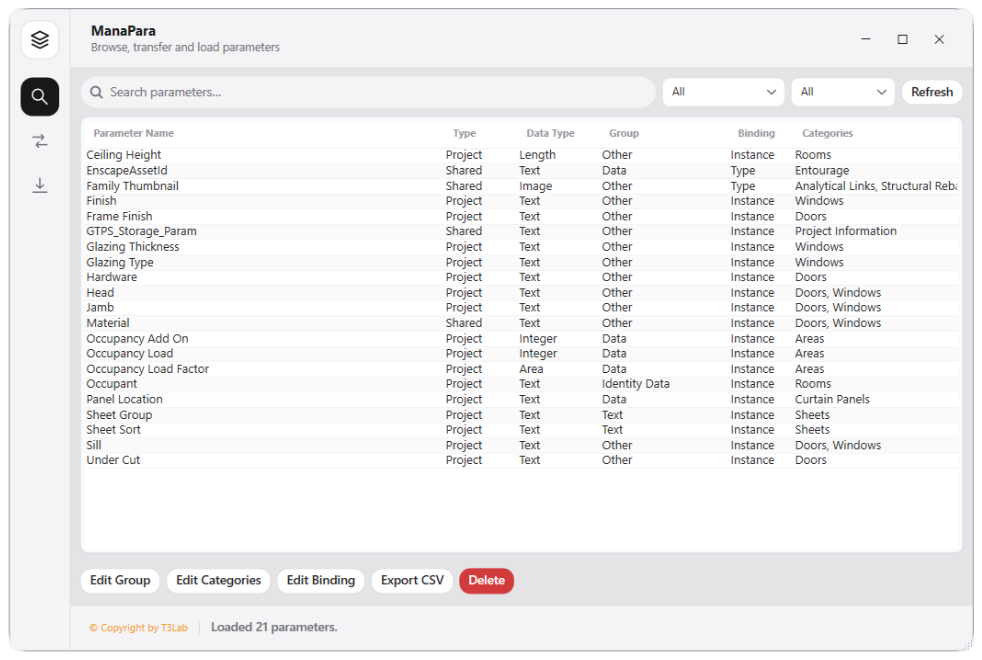
Detailed Documentation
Parameter Transfer - User Guide & Reference
The Parameter Transfer utility (Parameters category) Transfers values between parameters (source to destination), maps text notes to elements via location intersection, and transfers element parameters to filled region overrides..
1. Overview & Key Capabilities
The Parameter Transfer tool is designed to improve workflow efficiency by automating standard tasks. Key capabilities include:
- Transfers values between parameters (source to destination), maps text notes to elements via location intersection, and transfers element parameters to filled region overrides.
2. Detailed Step-by-Step Usage
Follow these instructions to use the tool in your active Revit session:
- Open Parameter Transfer tool.
- Select source category, source parameter (e.g., Type Comments), and destination parameter.
- Select elements and click Transfer to copy values.
3. Technical Specifications & Under the Hood
Revit API Integration
- Key API Components:
Parameterretrieval and value assignment (parameter.Set()), mapping spatial bounds intersections (BoundingBoxIsWithinfilters). - Transaction Handling: All modifications are packaged into a single Revit API transaction. If any error occurs, the changes are rolled back automatically to preserve model integrity.
[!TIP] Best Practice Tip: Use this to map room parameter values to the equipment contained inside. Double check that shared parameters are loaded.